Compare Wireless Mice: USB Receiver vs. Bluetooth
This page contains Coupang Partners affiliate links; the operator may earn a commission.
Key Takeaway
If your device has a free USB port and no Bluetooth, the receiver-type M170 is your candidate; if it has Bluetooth and you want to save a port, look at the M240 or M350S.
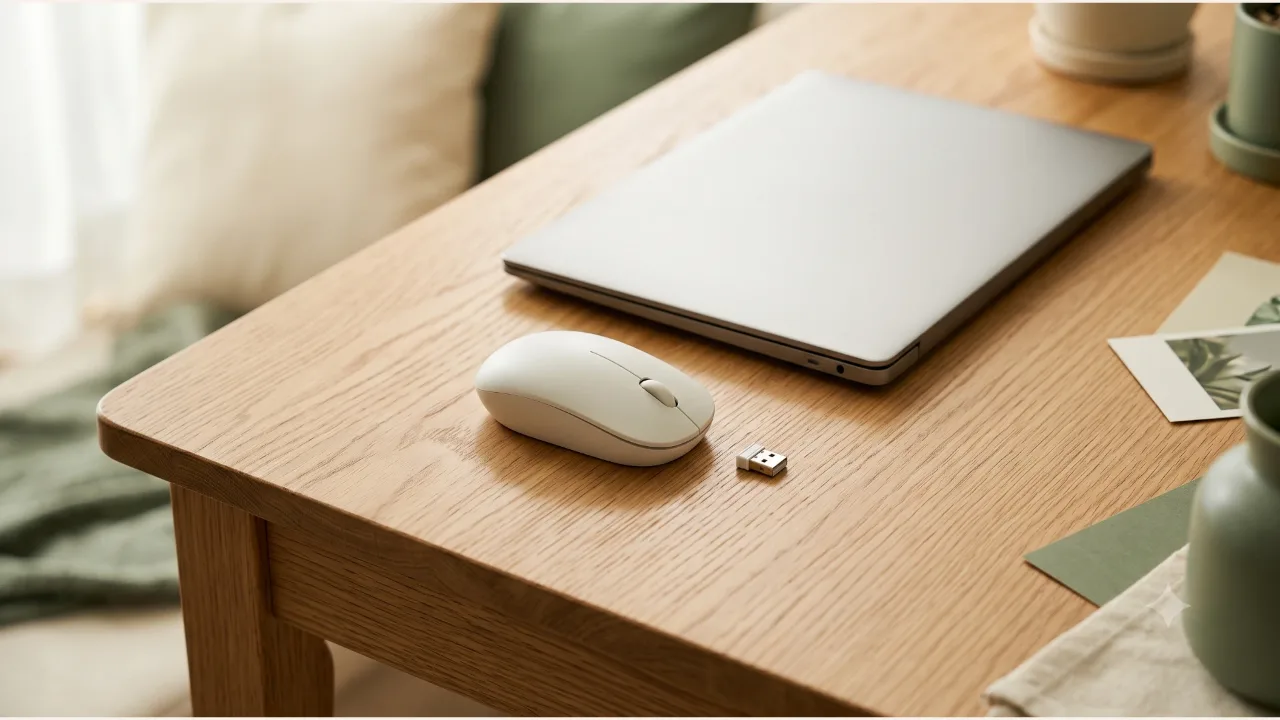
I set the official specs of the three Logitech models side by side under the same headings to compare connection type, battery, and size.
The height of the desk where you use the mouse and your arm position are covered first in the desk height and footrest article. This one focuses on connection type, size, and the battery listings.
How do the three models differ in the official specs?
| Item | M170 | M240 | Pebble M350S |
|---|---|---|---|
| Connection | 2.4 GHz wireless (USB receiver) | Bluetooth Low Energy | Bluetooth Low Energy |
| Wireless range | 10 m | 10 m | 10 m |
| Battery | 1 AA included, 12 months | 1 AA included, 18 months | 1 AA alkaline installed, 24 months |
| Size (H x W x D) | 97.7 x 61.5 x 35.2 mm | 99 x 60 x 39 mm | 106 x 58.7 x 26.62 mm |
| Weight | 69.3 g | 73.8 g | 76 g |
| DPI | 1000 | 400-4000 (in steps of 100) | 400-4000 (in steps of 100) |
| Button noise | No noise reduction listed | SilentTouch, 90% reduction | Silent Touch, over 90% reduction |
| Switching between devices | Not listed | Not listed | Up to 3 devices (Easy-Switch) |
| Compatibility | Windows, macOS, ChromeOS, Linux | Windows, macOS, ChromeOS, Linux, Android | Windows, macOS, iPadOS, Android, ChromeOS, Linux |
This is based on the Logitech product spec pages, checked on 2026-10-10. The manufacturer notes that battery life in months varies with the user and the computing environment. The noise reduction figures are the manufacturer's comparison against the M185. What's in the box and the specs may change.
Where do receiver-type and Bluetooth mice part ways?
The M170 works as soon as you plug the USB receiver into the computer (per the manufacturer's description). In exchange, the receiver takes up one USB port.
The M240 and M350S connect by Bluetooth with no receiver. That frees the port, but your device has to support Bluetooth. The M240 specs list a Bluetooth device that supports external mice as a requirement, and say it works with the separately sold Logi Bolt receiver (not included) if needed. The M350S is also listed as compatible with the same receiver, and it isn't in the standard package.
Some desks only suit one of the two. If the ports on the back of a desktop PC are all taken, Bluetooth is the first candidate, and for an older PC without Bluetooth, the receiver type is.
How do the size and weight look on a desk?
The height and width of the three are within 1 cm of each other. The noticeable difference is thickness. The M350S has a depth (thickness) of 26.62 mm, thinner than the M170's 35.2 mm and the M240's 39 mm. A mouse is something you cover with your palm, so preference for a thinner or thicker one varies with hand size and grip, and a spec sheet can only settle the dimensions.
The weights range from 69.3 g to 76 g, a difference of 6.7 g. If you often carry it in a bag, look at this figure together with the thickness.
Who is each model right for, and who is it wrong for?
The M170 suits you if:
- You have spare USB ports and prefer the simplest way to connect.
- You'll use it in a space where button noise isn't a problem.
The M240 suits you if:
- You want to free up a port and cut down button clicks, as in an office or library.
- You'll connect it to just one device.
The M350S suits you if:
- You switch between a laptop and a tablet at your desk and need to move between up to 3 devices.
- You want a thin mouse.
None of the three suits everyone. If you're looking for a gaming mouse with a DPI button or a vertical mouse that you grip with your wrist upright, it falls outside this comparison. In the manufacturer's specs, the M170 lists just one DPI setting, 1000.
What should you check before you order?
- Whether the device you'll connect to has a free USB port or Bluetooth
- If you have two or more devices, how many of them you'll switch between
- Whether you're in a space where you need to cut button noise
- Whether a thinner mouse is more comfortable when you grip it
- That the model name on the sales page matches M170, M240, or M350S (colors vary by sales page)
Product information
Candidates compared
-
Logitech Wireless Mouse M170
-
Logitech Silent Bluetooth Wireless Mouse M240
-
Logitech Silent Wireless Mouse Pebble M350S
Check price and stock at the link. Product information is as of the date checked.
Frequently Asked Questions
Can I use a Bluetooth mouse on a laptop with no USB port?
The M240 and M350S use Bluetooth Low Energy. The M240 specs say you need a Bluetooth computer or mobile device that supports external mice (HID profile), so check support in the specs from the manufacturer of the device you want to connect. Even without a port, a device that doesn't support Bluetooth can't connect.
Do I need to buy batteries separately for all three?
The manufacturer specs list all three models as including one AA battery. The replacement interval varies with your usage, so treat the listed number of months as a rough figure only.
If it's silent, does the click feel disappear?
The M240 specs say it reduces button noise while keeping the familiar click feel. The noise reduction figure is listed as measured at a distance of 1 m by an independent lab against the Logitech M185, so it may differ from the sound in your own space.
Sources & Verification Date
- M170 Wireless Mouse product specifications (Logitech) · Verified
- M240 Silent Bluetooth Mouse product specifications (Logitech) · Verified
- Pebble Mouse 2 M350s product specifications (Logitech Korea) · Verified
All materials have been verified from official announcements and may have changed since verification.