Compare How 24-Inch and 27-Inch Monitors Fit on Your Desk
This page contains Coupang Partners affiliate links; the operator may earn a commission.
Key Takeaway
At the same FHD resolution, 24 and 27 inches differ less in image quality than in how much room they take on your desk.
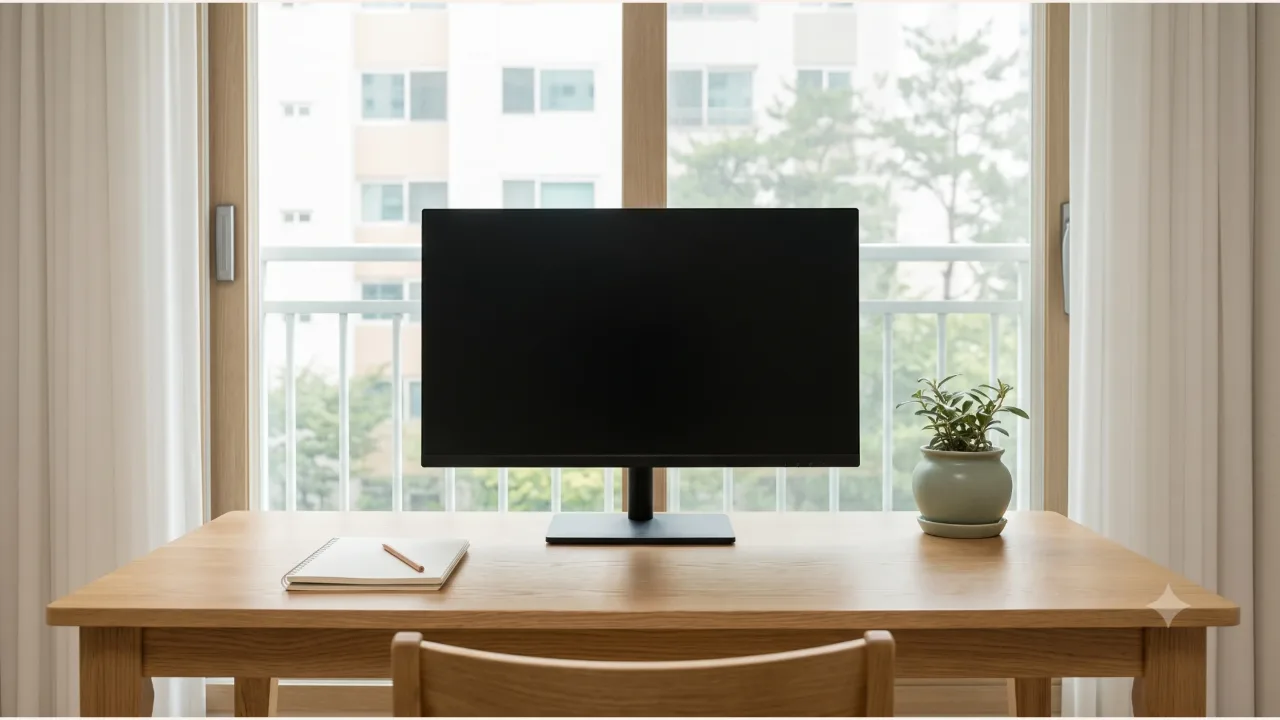
By LG's official specs, the 24MS500 and 27MS500 differ by about 72 mm in width, about 40 mm in height with the stand, and 0.9 kg in weight.
Where to put the screen vertically is covered first in the monitor height and eye distance article. This one only looks at how much the numbers change when each size goes on your desk.
What is the same and what is different in the official specs?
The panel, resolution, refresh rate, and ports are the same. What changes is the screen diagonal, the dimensions that come with it, and the weight.
| Item | LG 24MS500 | LG 27MS500 |
|---|---|---|
| Screen size | 60.4 cm | 68.6 cm |
| Resolution and panel | 1920x1080 (FHD), IPS | 1920x1080 (FHD), IPS |
| Refresh rate (HDMI) | Up to 100 Hz | Up to 100 Hz |
| Pixel size | 0.2745 mm | 0.3114 mm |
| Dimensions with stand (W x H x D) | 539.9 x 414.4 x 190 mm | 612 x 454.9 x 190 mm |
| Dimensions without stand | 539.9 x 321.4 x 56.2 mm | 612 x 362.5 x 56.2 mm |
| Weight (with / without stand) | 2.6 kg / 2.3 kg | 3.5 kg / 3.1 kg |
| Input and output ports | HDMI 1.4 x 2, headphone out | HDMI 1.4 x 2, headphone out |
| Stand adjustment | Tilt of -5 to +15 degrees only | Tilt of -5 to +15 degrees only |
| Wall mount (VESA) | 75 x 75 mm | 75 x 75 mm |
| Power consumption (on) | 16.0 W | 16.0 W |
| Built-in speakers | None | None |
This is based on the LG Electronics product spec pages, checked on 2026-10-10. What's in the box and the specs may change. Power consumption is listed as the same value for both models.
Which dimensions should you measure on your desk first?
Width comes first. With the stand, the 27MS500 is 612 mm wide and the 24MS500 is 539.9 mm. If your desk also holds a laptop, speakers, or a desk lamp, that 72 mm difference can decide your layout.
Depth is the same 190 mm for both models, so a shallow desk isn't much of a reason to pick the 24-inch. Measure the distance to the wall including the length of the HDMI cable plugged into the back of the monitor.
For height with the stand, the 27MS500 is 454.9 mm and the 24MS500 is 414.4 mm. If your desk has a bookshelf or shelf above where the monitor goes, measure to see whether these values fit.
Can you set eye level with the stand?
Going by the spec sheet, not really. Both models only tilt, and height adjustment, pivot, and swivel are marked "X". If you need to raise the screen, you'll have to get a riser or monitor arm separately.
The VESA pattern is 75 x 75 mm, and the weights without the stand are 2.3 kg and 3.1 kg. The arm side of the conditions is laid out by load rating and VESA pattern in the monitor arm specs article. The two arms compared there list support for 75x75 and 100x100, so on pattern alone they fit both monitors. The rated weight is a separate matter, though. The GDA2 lists a lower limit of 3 kg, so the 24MS500, at 2.3 kg without its stand, falls short of that minimum. Check the same items once more on the arm's sales page.
Which desk suits each model, and which doesn't?
The 24MS500 suits you if:
- Your desk is narrow and you need to put other things beside the monitor.
- The space under a shelf is tight on height.
- You move it around the desk often and its weight (2.6 kg) matters to you.
The 27MS500 suits you if:
- You have at least 612 mm of free width on the desk.
- You often work with two program windows side by side and screen area comes first.
- You can keep a reasonable distance between your eyes and the screen.
Neither suits everyone. There are no built-in speakers, so you need headphones or separate speakers for sound, and with just two HDMI ports, a device that outputs video only over DisplayPort or USB-C needs a converter. If you want a stand with height adjustment, both models are out of the running.
What should you check before you order?
- The width of the spot where the monitor will sit and the distance to the wall
- How far the bottom edge of the screen needs to be from the keyboard
- Whether the device you'll connect has an HDMI output
- Whether you already have a riser or monitor arm to set eye level
- That the model name on the sales page matches 24MS500 or 27MS500 (color suffixes can differ from page to page)
Product information
Candidates compared
-
LG Electronics FHD PC Monitor 27MS500
-
LG Electronics FHD PC Monitor 24MS500
Check price and stock at the link. Product information is as of the date checked.
Frequently Asked Questions
Both are FHD, so does the 27-inch look blurrier?
Both models have a resolution of 1920x1080. The manufacturer's pixel sizes are 0.2745 mm for the 24MS500 and 0.3114 mm for the 27MS500, so the same number of pixels is spread over a larger area. How that looks to your eyes depends on how far away you sit, so the spec sheet alone can't settle it.
Can I raise the screen height with the stand?
The stand specs for both models list only tilt of -5 to +15 degrees, and no height adjustment, pivot, or swivel. To bring the screen to eye level you'll need a riser or a separate monitor arm.
Can I mount them on a monitor arm?
Both models list a wall-mount (VESA) pattern of 75x75 mm in the spec sheet. Whether your monitor arm supports this pattern and the weight is something to check separately in the arm manufacturer's specs.
Sources & Verification Date
- LG PC monitor 27MS500 product specifications (LG Electronics) · Verified
- LG PC monitor 24MS500 product specifications (LG Electronics) · Verified
All materials have been verified from official announcements and may have changed since verification.