Check the Standards Before You Choose a Monitor Arm
This page contains Coupang Partners affiliate links; the operator may earn a commission.
Key Takeaway
With a monitor arm, check four things first: the monitor's weight against the rated load, the VESA hole spacing, whether the monitor is curved, and your desk thickness against the clamp range.
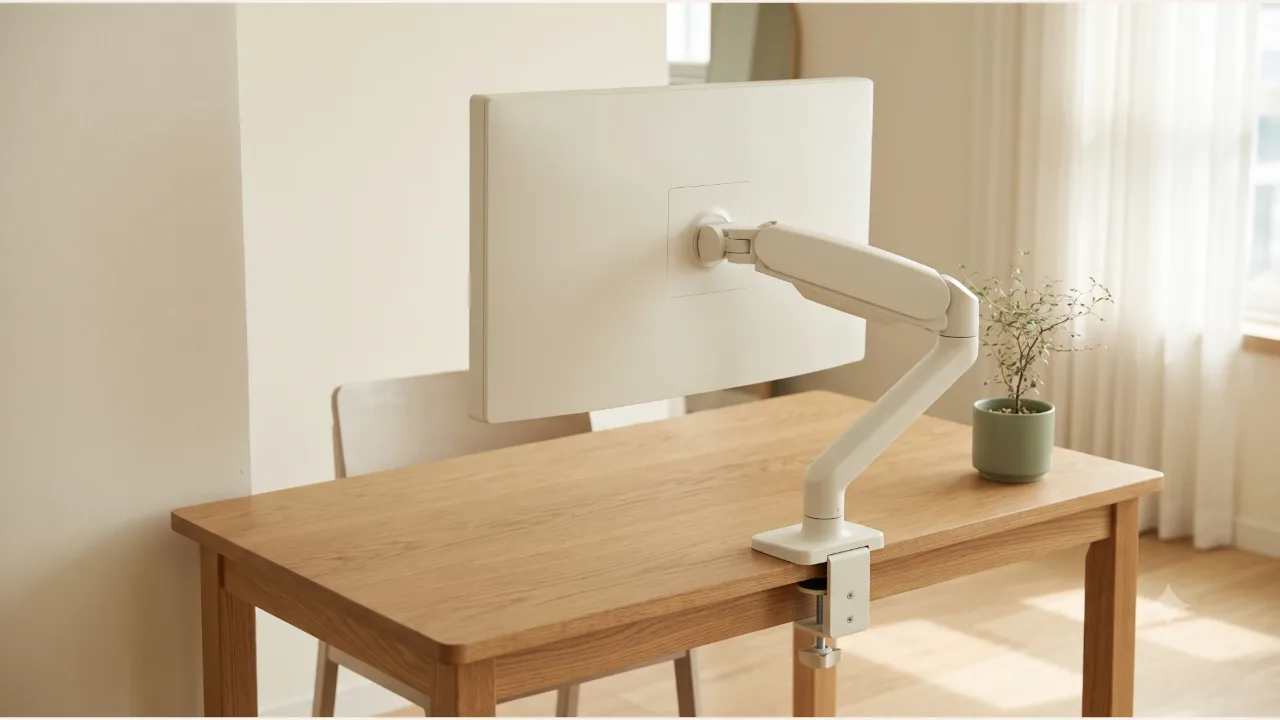
This article puts the manufacturer specs of two Camel Mount products side by side under the same headings.
Where to place the monitor vertically is covered in the monitor height and eye distance article, so here we only look at whether the arm can carry that monitor.
What should you check first?
First is the supported weight. In the "allowed monitor weight" row of the spec sheet, the FMAS2 lists 9 kg and the GDA2 lists 3 to 9 kg. The GDA2 also states a 3 kg lower limit, so check that your monitor's weight falls inside that range.
Second is the VESA pattern, meaning the spacing of the screw holes on the back of the monitor. Both products say they support 75x75 and 100x100. The holes on your monitor must match one of those two spacings.
Third is the monitor shape. For both products, the row for mounting a curved monitor says "No". If your monitor is curved, these two products are out.
Fourth is your desktop. In the desk thickness row of the spec sheet, the FMAS2 lists 10-85 mm for the clamp type and the GDA2 lists 10-60 mm for the clamp. Measure whether your desktop thickness falls inside that range.
How do the two products' official specs differ?
| Item | Camel Mount FMAS2 | Camel Mount GDA2 |
|---|---|---|
| Allowed monitor weight | 9 kg | 3-9 kg |
| Mountable monitor size | 17-32 inches | 32 inches (the product description says up to 32 inches) |
| VESA pattern | 75x75 / 100x100 | 75x75 / 100x100 |
| Curved monitor | Not supported ("No") | Not supported ("No") |
| Desk thickness | Clamp 10-85 mm; hole type also listed | Clamp 10-60 mm |
| Up/down angle | +45 to -45 degrees | -45 to +45 degrees |
| Left/right angle | +90 to -90 degrees | -90 to +90 degrees |
| Rotation angle | 360 degrees | -90 to +90 degrees |
| Maximum arm length | 390 mm | 356 mm |
| Quick VESA plate install | No ("NO") | Yes ("Yes") |
| Cable management | Yes ("Yes") | Yes ("Yes") |
This is based on the Camel Mount product spec pages, checked on 2026-10-07. What's in the box and the specs may change. The GDA2 spec page lists the color as white and the model name as GDA2W, so check the sales page separately for other colors. In the FMAS2 description, 390 mm is called the "maximum height", while the spec sheet calls it the "maximum arm length".
Which desks and monitors does each suit, and when doesn't it fit?
The FMAS2 is the first candidate for a desk with a thick top. Its clamp range goes up to 85 mm, and the hole type is also listed as a mounting method. Its maximum arm length of 390 mm is listed as longer than the GDA2's 356 mm. The manufacturer describes the pole type as able to mount flush against the wall, with about 130 mm of adjustable distance from the pole to the monitor.
The GDA2 lists quick VESA plate installation as "Yes" in its spec sheet, which is worth a look if you'll be mounting and removing the monitor often. Its product description also mentions a rotation limit function and a button-type clamp. However, its clamp upper limit is 60 mm, so it may not fit a thick desktop. Its lower weight limit is 3 kg, so check first whether a light monitor falls into this range. For example, by the manufacturer's specs the LG 24MS500 weighs 2.3 kg without its stand, which falls short of this lower limit.
There are cases where neither fits.
- Curved monitors can't be mounted on either product, according to the specs.
- Large monitors above 32 inches exceed the mountable size for both products.
- A monitor heavier than 9 kg is outside the rated weight for both products.
- If the hole spacing on the back of the monitor isn't 75x75 or 100x100, the VESA pattern won't match.
If you're also thinking about nearby lighting, the monitor light guide compares desk clamp thickness and power sources. It's also worth checking that the monitor arm and the light's clamp don't compete for the same spot on the desktop.
What should you measure before you order?
- The monitor's weight, screen size, and whether it is curved (from the monitor manufacturer's specs)
- The horizontal and vertical spacing of the holes on the back of the monitor (75x75 or 100x100)
- The thickness of the desktop where the clamp will bite
- The distance to the wall behind the desk and where you want the monitor to sit
- That the model name and color on the sales page match the model name on the manufacturer's spec page
Write down these five and check them one by one against the two products' spec sheets.
Product information
Candidates compared
-
Camel Mount Pole-Type Single Monitor Arm FMAS2
-
Camel Mount Design Slim Single Monitor Arm GDA2
Check price and stock at the link. Product information is as of the date checked.
Frequently Asked Questions
Can I mount any monitor that's within the weight limit?
The weight limit is only one of several conditions. Both products' manufacturer specs say curved monitors can't be mounted, and each sets a mountable size as well. You also need to check that the back of the monitor has VESA holes and that the hole spacing matches.
What if my desk is outside the clamp range?
For the FMAS2, the manufacturer lists a hole-type mount in addition to the 10-85 mm clamp type. The GDA2 lists only a 10-60 mm clamp, so if your desktop is thicker than that, this model won't fit.
Why are the mountable monitor sizes listed differently for the two products?
The FMAS2 spec sheet gives a range of 17 to 32 inches. The GDA2 spec sheet says 32 inches, and its product description says up to 32 inches. Since the GDA2 lists no lower limit, it's safer to ask the manufacturer whether it fits a small monitor.
Sources & Verification Date
- Camel Mount pole-type single monitor arm FMAS2 product specifications (Camel Mount) · Verified
- Camel Mount design slim single monitor arm GDA2 product specifications (Camel Mount) · Verified
All materials have been verified from official announcements and may have changed since verification.