Check What Matters When Choosing a Monitor Light
This page contains Coupang Partners affiliate links; the operator may earn a commission.
Key Takeaway
When choosing a monitor light, first decide whether it hangs on the monitor or clamps to the desk.
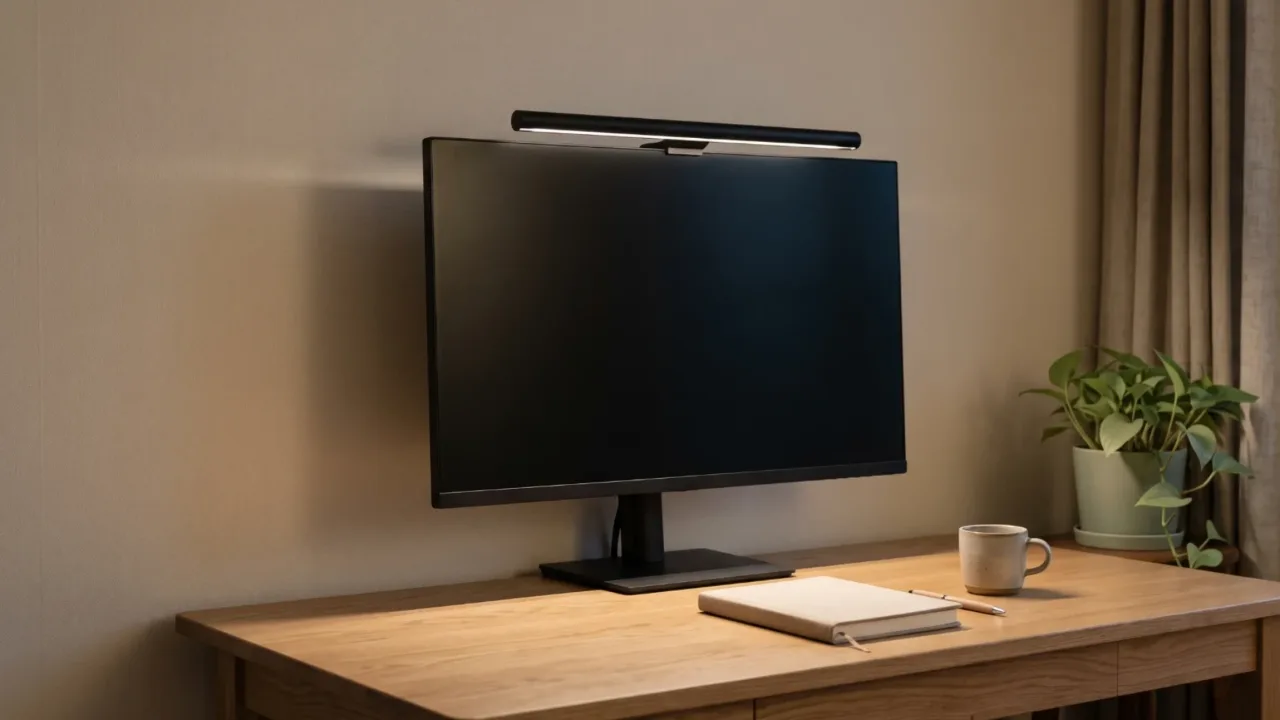
Then look in turn at the color temperature range, the illuminance figure and its measurement conditions, the monitor or desk thickness it can attach to, and how it is powered, and your candidates narrow down.
For illuminance, you can use the VDT guideline's range as a yardstick. Article 7(2) sets 300 to 500 lux when the screen background is dark-toned and 500 to 700 lux when it is white-toned. That's a standard for workplace work areas, so it carries no legal duty for a home desk. How to set the brightness of the whole room is covered separately in the small room monitor lighting article. This one puts three lights that sit on top of the desk side by side using manufacturer specs.
How do hanging monitor lights differ from desk-clamp lights?
A hanging light has to match the thickness of the top of your monitor to sit on it. The manufacturers list 0.43 to 6 cm of monitor thickness for the BenQ ScreenBar Halo 2 and 1 to 32 mm for the Xiaomi Computer Monitor Light Bar. If the top of your monitor is thicker or thinner than that, the hook itself won't fit.
The BenQ ScreenBar Max clamps to the desktop rather than the monitor. The desktop can be up to 6 cm thick, and the height can be set at three levels of 55, 63, and 71 cm. The manufacturer's FAQ says it can also be used on desks with a monitor arm. For a desk with two monitors and no good place to perch a light on top, this mounting method is the first candidate.
How do you read the color temperature and illuminance figures?
Color temperature is given in kelvins (K): the lower the number, the yellower the light, and the higher the number, the whiter. The Max covers 2700 to 6000K, and the Halo 2 and Xiaomi cover 2700 to 6500K. Only the end of the range differs, so all three let you choose from warm to white light.
Here is the illuminance wording as the manufacturers give it.
- Halo 2: over 1000 lux at the center at a height of 50 cm; 85x50 cm area reached by 500 lux
- Max: up to 700 lx at the work area; brightness 1 to 100%
- Xiaomi: no illuminance figure listed
The measurement heights and reference points differ, so you can't compare the three figures directly. A bigger number also doesn't mean it fits the guideline's range. At your desk, it's more reliable to pick the guideline range that matches your screen's background color and then measure it yourself with a light meter or an app.
Why measure clamp thickness and power supply first?
For a hanging light, the shape of your monitor has to fit as well as the thickness. The Halo 2's spec summary lists a curvature of 1000 to 1800R, but the curvature guidance on the same page says it suits 1800R and that for 1000 to 1500R you should use another model. If your monitor curves more than 1800R, it's safer to ask the manufacturer before ordering. For the Xiaomi, the manufacturer says that if the monitor is thinner than 10 mm you need to support it with your hand when you adjust the angle, and it recommends not using it on a laptop.
For the Max's clamp, the desktop material matters too. The manufacturer advises against using the clamp on a glass desk.
The power supply varies by product.
- Max: runs only on the included adapter and can't be powered over USB-C. You need an outlet near the desk.
- Halo 2: USB Type-C, 5V at up to 3A, up to 15W.
- Xiaomi: USB Type-C, 5V at 1A, 5W.
If you plan to plug either hanging light into your computer's USB port, first check that the port's output is at least the rated value.
How do the three products' official specs differ?
| Item | BenQ ScreenBar Max | BenQ ScreenBar Halo 2 | Xiaomi Computer Monitor Light Bar |
|---|---|---|---|
| Mounting method | Desk clamp | Monitor hook | Monitor hook |
| Thickness it can hold | Desktop up to 6 cm | Monitor 0.43-6 cm | Monitor 1-32 mm |
| Color temperature | 2700-6000K | 2700-6500K | 2700-6500K |
| Brightness and illuminance listing | Brightness 1-100%, up to 700 lx at work area | Over 1000 lux at center (at 50 cm height), 500 lux area 85x50 cm | Not listed |
| Power supply | Included adapter only (USB-C supply not possible) | USB Type-C 5V up to 3A | USB Type-C 5V 1A |
| Height | 3 levels: 55, 63, 71 cm | Not applicable | Not applicable |
| KC conformity assessment number | R-R-BQR-CR25 | R-R-BQR-CR23_C | R-R-YLK-MJGJD01YL (registered under the manufacturer Yeelink) |
This is based on the BenQ and Xiaomi Korean product and spec pages and Consumer 24's certification information, checked on 2026-10-06. What's in the box and the specs may change.
Which desks does each suit, and when doesn't it fit?
Here are the cases where each fits well.
- For a desk with dual monitors or a monitor arm, the Max
- For a curved 1800R monitor with a top thickness of 6 cm or less, the Halo 2
- If you'll power it from the computer's USB, the two hanging lights
There are also cases where it doesn't fit.
- A desk with a glass top falls outside the Max's clamp conditions.
- The manufacturer doesn't recommend the Xiaomi for laptops, and on a monitor thinner than 1 cm you have to hold it with your hand every time you change the angle.
- If you want to choose by illuminance numbers, the Xiaomi has no figure to compare.
The Max's height levels (55, 63, 71 cm) are separate from the height of your screen. Set the screen position first using the monitor height and distance article, then adjust the light height, and the order will be less tangled.
What should you measure before you order?
- The thickness and curvature of the top of your monitor, and whether a hanging light fits if you're using a laptop
- The thickness and material of your desktop (up to 6 cm; whether it's glass)
- The output of the USB port or charger you'll use (5V 1A or 3A) and where your outlet is
- Whether your screen background is dark or light, and the guideline illuminance range that goes with it
- Whether the KC number comes up when you search the model name on Consumer 24
Product information
Candidates compared
-
BenQ ScreenBar Pro
-
BenQ ScreenBar Halo 2
-
Xiaomi Computer Monitor Light Bar
Check price and stock at the link. Product information is as of the date checked.
Frequently Asked Questions
Can I leave just the monitor light on and turn off the room light?
Article 7(3) of the VDT guideline says the longer you look at a screen, the more you should reduce the difference between screen brightness and the brightness around your work surface. Turning off the room light and using only the monitor light can widen that difference, so adjusting the brightness with both lights on is closer to what this provision says.
Will all three products turn on if I just plug them into the computer's USB port?
For the ScreenBar Max, the manufacturer says it can't be powered over USB-C and you must use the included adapter. The Halo 2 takes 5V at up to 3A and the Xiaomi light bar takes 5V at 1A, so check the output of the port or charger you plan to use first.
Where do I look up the KC number?
On Consumer 24's radio equipment conformity assessment certification information page, search by product name (ScreenBar) or model name (such as MJGJD01YL). For the three products in this article, you get numbers that begin with R-R.
Sources & Verification Date
- Work Management Guideline for Workers Handling Video Display Terminals (VDT) (Ministry of Employment and Labor Notice No. 2020-17, Korean Law Information Center) · Verified
- ScreenBar Max product page (BenQ Korea) · Verified
- ScreenBar Halo 2 specifications (BenQ Korea) · Verified
- ScreenBar Halo 2 product page (BenQ Korea) · Verified
- Xiaomi Computer Monitor Light Bar specifications (Xiaomi Korea) · Verified
- Xiaomi Computer Monitor Light Bar product page (Xiaomi Korea) · Verified
- Radio equipment conformity assessment certification information (Consumer 24, Korea Fair Trade Commission) · Verified
All materials have been verified from official announcements and may have changed since verification.