Measure riser height and the space underneath before you pick a monitor stand
Key Takeaway
Start by measuring how many centimeters a monitor stand must add so the top of the screen reaches eye level. Then check whether your keyboard fits underneath and whether the shelf is wider than the monitor's foot.
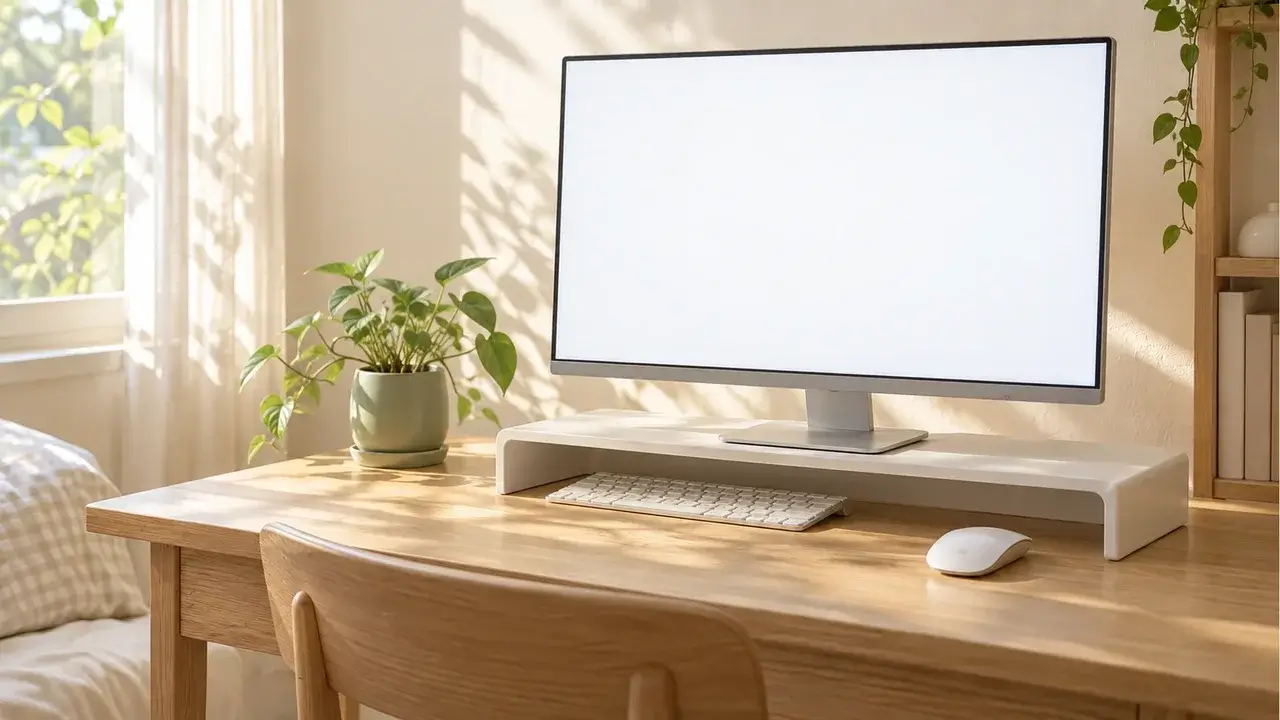
Article 6 of the Ministry of Employment and Labor's VDT work management guideline says to line up the top of the screen with your eye level, keep the screen 10 to 15 degrees below horizontal, and keep at least 40cm between your eyes and the screen. If you bend your neck when the monitor sits straight on the desk, the screen is too low. We looked at Coupang's monitor stand results sorted by Coupang ranking and picked two models whose dimensions can be checked on the makers' official stores. To start with screen position itself, read how to set monitor height and distance, and if you worry about how much desk width a keyboard takes, see the guide to keyboards that fit your desk width.
How many centimeters should the stand add?
Set your chair height first, then sit up straight and measure from the desk surface to your eyes with a tape measure. Measure the height of the monitor's top edge on its own, with no stand under it. The eye height minus the screen's top height is how much the stand needs to lift the screen.
For example, if your eyes are 60cm above the desk surface and the top of the screen is at 52cm, you need 8cm, or 80mm. This number only shows the order of the calculation, so replace it with the values you measure at your own desk.
The top of the shelf is the surface the monitor foot rests on, so the product height is how far the screen goes up. When you read a spec sheet, check whether the listed height includes the legs under the shelf.
How do steel and tempered glass stands differ?
| Item | ElecSync IMS-470 | Nsan Mount MR-061 |
|---|---|---|
| Material | Steel (as listed in the official lineup) | Tempered glass (as listed in the product name) |
| Size | 470×220×110mm (in the maker's listed order) | Shelf 560×210mm, shelf thickness 5mm |
| Height | 110mm | 80mm |
| Load capacity | Not found on the official page | 10kg |
| Colors | The steel lineup comes in white and black | The Coupang option is transparent with matte white |
| Assembly | Not found on the official page | Described as a self-assembly product |
| Warranty | 1-year free A/S (excluding customer fault) | 2-year free warranty from the purchase date |
Sources: ElecSync official store detail images (size, material lineup, A/S notice) and the Nsan Mount official store spec sheet, checked October 25, 2026. Dimensions are as the makers list them. Check price and stock at the link as of the check date.
ElecSync's official page shows a lineup split by material into aluminum, steel, and acrylic, with the steel model in white and black. The steel 470mm model is listed at 470mm wide and 110mm high, so it lifts the screen by 11cm. However, the official page shows no maximum load. If you plan to put a large monitor on it, you have nothing to compare on that item.
Nsan Mount is wider at 560mm and 80mm high. Its spec sheet lists a load capacity of 10kg, so you can compare it directly with your monitor's weight. It says this is a self-assembly product and that an installed unit cannot be exchanged or returned for a simple change of mind, so check your desk measurements before you order.
Can the keyboard fit under the stand?
Article 5, paragraph 2 of the guideline sets keyboard thickness at 3cm or less. To see whether the space under the stand is roomy enough, measure your keyboard from the desk to the top of its tallest key. If you also use a wrist rest, add its thickness.
ElecSync's 110mm is its listed height, so the space underneath shrinks by the thickness of the shelf. That thickness isn't on the official page, so treat the space as a little under 110mm when you compare. Nsan Mount is listed at 80mm high with a 5mm shelf, so if 80mm is the height to the top of the shelf, the space underneath is around 75mm.
Even if you slide the keyboard under the stand to store it, pull it out forward when you type. The same paragraph says to keep at least 15cm between the edge of the work surface and the keyboard so your wrists have support.
Which one suits my monitor and desk?
The whole monitor foot has to fit on the shelf. Find the stand's width and depth in the monitor maker's specifications and write them next to the stand's 470mm and 560mm width and 220mm and 210mm depth. If the foot sticks out past the shelf, it has less to rest on, so check both width and depth.
If you want to lift the screen 11cm and keep more room underneath, the taller ElecSync is the one. If your desk is wide, the 560mm Nsan Mount, which lists a load figure, is easier to compare.
Check your desk depth too. Pushing the stand toward the back makes it easier to keep 40cm or more between your eyes and the screen. Before you order, write down the lift height from your eye level, the monitor foot's width and depth, and your keyboard's thickness, then compare them with both listings.
Product information
Candidates compared
-
ElecSync Tall Steel Monitor Stand 470mm
-
Nsan Mount Tempered Glass Monitor Stand MR-061
Product information is as of the date checked.
Frequently Asked Questions
Won't a stand put the screen above eye level
Article 6 of the VDT guideline says to line up the top of the screen with your eye level. If the top of your screen already sits at eye level, a stand adds nothing, so measure the height with the monitor placed without a stand first.
If I change height often, should I choose a stand or a monitor arm
A stand lifts the screen by its fixed product height, and that stays put once you set it down. If different people sit at the desk or you want finer height changes, read the guide that covers monitor arms first.
Is it fine to put a large monitor on a glass stand
The official Nsan Mount spec sheet lists a load capacity of 10kg. Find the monitor's weight with its stand in the maker's specifications and check that it is below that number. The official ElecSync page shows no load figure, so ask the seller first if your monitor is large.
Sources & Verification Date
- VDT Workers' Work Management Guideline, Articles 5 and 6 (Ministry of Employment and Labor Notice No. 2020-17, National Law Information Center) · Verified
- ElecSync official store: tall monitor stand shelf 470mm detailed specifications · Verified
- Nsan Mount official store: MR-061 monitor stand specifications · Verified