Apple Home Collection cameras: check the hub and subscription before launch
Key Takeaway
Apple announced Home Collection with LG Electronics and Schneider Electric on October 13. Before choosing a camera, check its market, home hub and recording subscription alongside image specifications.
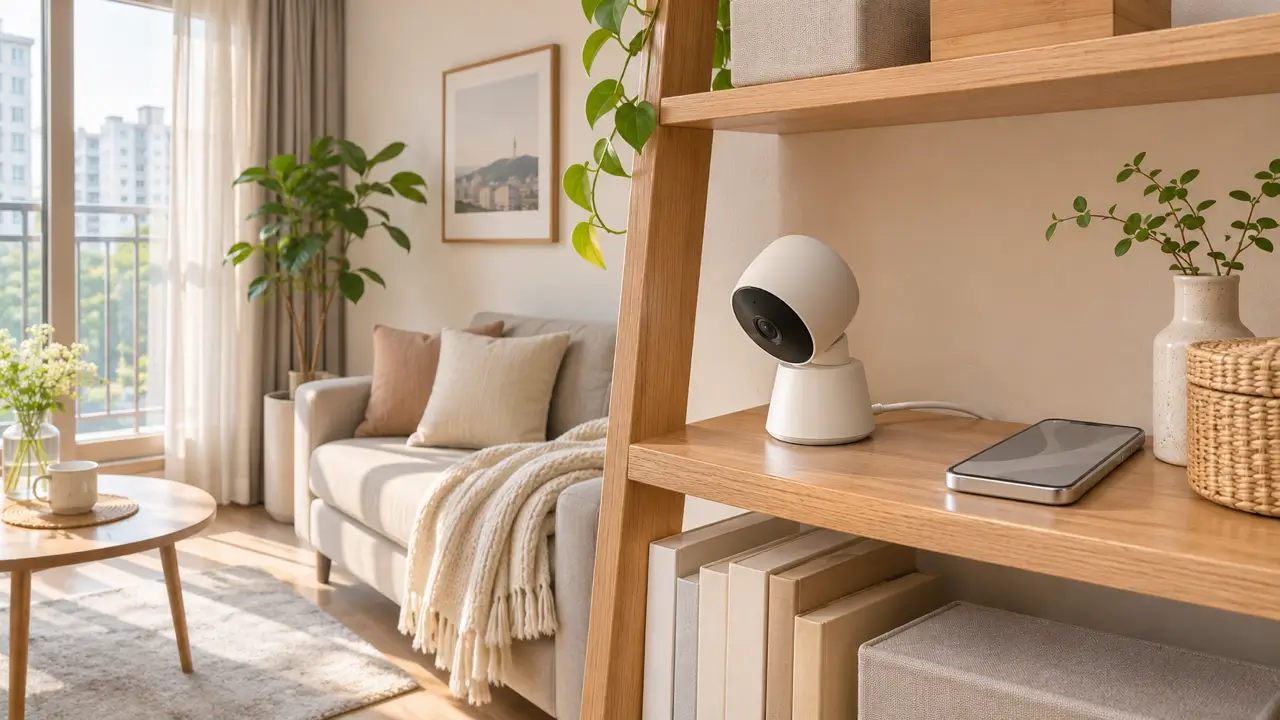
This buying-preparation guide uses official Apple material checked on November 4, 2026. Announced availability begins in December, with select accessories planned for early 2027. Korean availability and current stock were not verified. This is not a hands-on test of installation, night images or notification speed. The cover is an AI-created illustration of a generic indoor camera, not a photograph of an actual Collection product.
The four cameras serve different roles at different announced prices
The lineup separates indoor, outdoor, floodlight and doorbell cameras. Rather than treating all four as interchangeable cameras for a small room, identify what area and activity need to be viewed.
| Announced model | Role and features described in the announcement | US starting price |
|---|---|---|
| LG Indoor Cam Plug-In | Indoor viewing, with up/down adjustment in Home and a downward tilt to stop monitoring when a household member returns | $199.95 |
| LG Outdoor Cam Plug-In | Adjustable outdoor camera with low-light color night vision | $299.95 |
| LG Floodlight Cam | Dual motion-activated floodlights and low-light color night vision | $399.95 |
| LG Video Doorbell Wired | Separate front and bottom cameras for visitors and packages | $249.95 |
The four cameras' announced markets are the US, Canada and UK. The amounts are starting US dollar prices, not Korean retail prices or delivered-and-installed totals. The overall announcement also does not establish an exact sale date for each of the four models.
Apple describes capture at up to 2.5K. For the doorbell, it distinguishes a 2.5K front camera from a Full HD bottom camera. Do not extend capture specifications into a promise that every recording and streaming mode on every camera uses that resolution. Check the final model specifications for the stored-video details.
In a small home, write down placement and power first
Checking one indoor area is a different task from distinguishing visitors and packages at a front door. For example, after choosing a possible shelf position, mark both the entrance path to view and private areas, such as a bed, that should stay outside the view. Agreeing on that boundary with other occupants helps avoid repeatedly adjusting the camera after installation.
The announcement names the indoor and outdoor models Plug-In and the doorbell Wired. Names alone do not establish compatibility with a home's outlets, adapter input, outdoor wiring or existing doorbell circuit. Treat power specifications and mounting instructions as items to confirm before considering a purchase ready to install.
- Photograph the candidate position and the route for power.
- Mark the areas to capture and those to keep outside the view separately.
- For outdoor or entrance use, compare the final installation requirements with the existing equipment.
- If mounting needs holes or changes to existing equipment, confirm permission and the necessary procedure first.
An announcement's easy-installation description does not verify suitability for a particular home. When considering an overseas model, do not treat its local sales conditions as proof that the installation conditions at home match.
Separate the home hub's role from devices used to view footage
The HomeKit Secure Video setup guidance requires a home hub and iCloud+. The new announcement gives HomeView, HomePod, HomePod mini and Apple TV 4K as examples of compatible home hubs. A new HomeView therefore should not automatically be added to the camera budget as a mandatory purchase. Start by listing the precise models and software of existing equipment.
| Item to check | Role described by the official guidance | Before purchase |
|---|---|---|
| iPhone | Starts NFC pairing for the new Collection accessories | Latest operating system and accessory-specific requirements |
| Home hub | Equipment at home for control, automation and secure-video processing | Compatible model, current software, power and home-network connection |
| iPhone or iPad | Adds security cameras in Home and views footage | Your own devices signed in to the same Apple Account, with Home enabled in iCloud |
| Mac or Apple TV | Views supported footage after setup | Do not confuse a Mac with the device for adding a camera or with a home hub |
The iPhone/iPad adding instructions in the table come from the general HomeKit Secure Video guide. The new Collection announcement separately requires an iPhone with current operating-system software for NFC pairing; this does not establish that an iPad alone can complete initial setup for the new products.
The current home-hub support page says Thread-enabled Matter accessories need a Thread-enabled home hub or compatible third-party border router. Its examples include HomePod mini and Apple TV 4K, third generation, Wi-Fi + Ethernet. Having an Apple TV does not establish identical Thread support across every model. This general Matter/Thread guidance is not a verified final equipment-requirements table for the four cameras.
To check an existing hub, open the Home app's More menu, then Home Settings and Home Hubs & Bridges. Identify the active hub and check that it is powered on and connected to the home network. Two-factor authentication for the Apple Account and iCloud Keychain are also listed in the support page's checks.
No separate camera subscription and an iCloud+ requirement must be read together
The announcement says event video history uses a supported iCloud+ plan, without a separate camera subscription. That does not mean buying the camera alone provides every history feature free of charge.
The current HomeKit Secure Video guide gives the following camera counts. This is a basic video-history table, not a guarantee covering every new Apple Intelligence video feature.
| iCloud+ plan | HomeKit Secure Video camera count |
|---|---|
| 50GB | One |
| 200GB | Up to five |
| 2TB or higher | Unlimited |
The general HomeKit Secure Video guide describes the latest ten days of activity and says the video does not count against iCloud storage. Compare the new cameras' final service terms with this guidance at launch. Ten days describes event activity history. It should not be read as a promise to retain every moment of continuous 24-hour footage for ten days.
For a single camera, check the terms of an existing iCloud+ or Family Sharing subscription first. When planning more cameras, compare the required plan and household permissions as well. Permission to view recordings remotely, stream video and manage cameras can be assigned separately.
The announced video summaries and natural-language search have additional conditions. Setup requires an Apple Intelligence-capable iPhone or iPad, an eligible iCloud+ subscription and a compatible home hub running current software. The announcement's footnote for these AI features gives HomeView, HomePod (second generation), HomePod mini and Apple TV 4K as hub examples. Unlimited basic camera support does not mean unlimited AI summaries. The announcement explicitly says supported camera counts for AI features may depend on the plan. This material does not establish Korean-language or Korean-region availability for the AI video features.
Thread and offline storage do not establish a remote-video guarantee
Apple describes Thread support across the new lineup and built-in camera storage that keeps recording during a Wi-Fi outage. Neither statement alone establishes that live footage remains viewable from outside during an internet outage or that all camera video travels over Thread.
Beyond the connection standard, camera selection needs details about loss of power, built-in storage limits and how to review recordings after connectivity returns. The announcement obtained for this guide does not settle those specifications. Leave them as final product-manual and feature-specific network checks before purchase.
Matter compatibility also does not promise identical features across all platforms. This announcement explicitly identifies the lock, thermostats and temperature/humidity sensors as Matter compatible; that alone does not verify third-party-platform recording for the four cameras. Compare the app and specific features that will be used.
A single checklist before deciding whether to wait
Start with the official sales market and actual model-specific availability, then list placement, power, the hub and subscription. While a Korean schedule remains unconfirmed in this material, identifying missing conditions is more useful than treating a currency conversion of US prices as a final budget.
- Which announced model serves the required purpose, and which spaces should stay outside its view?
- Have the official sales timing, warranty and installation instructions for the purchase region been checked?
- Do the existing hub model, software and any required Thread support match the features needed?
- Does the iCloud+ plan fit the camera count and desired history or AI features?
- Are behavior during power/network interruptions and recording-recovery steps documented?
Leave an unchecked item visibly open. A convenient product announcement does not establish that a particular home is ready for installation. Fill the remaining gaps from the actual product documentation and sales terms close to launch.
Frequently Asked Questions
Can these cameras be bought in Korea in November?
The October 13 announcement says availability begins in December, with select accessories following in early 2027. The four cameras' announced markets are the US, Canada and UK; a Korean launch schedule was not confirmed in this material.
Is a new HomeView required?
The announcement also gives HomePod, HomePod mini and Apple TV 4K as examples of compatible home hubs. Check the exact model and software of existing equipment against the requirements of the camera features you want.
Does no separate camera subscription mean recording is free?
Event video history is described with a supported iCloud+ plan and home hub. No separate camera subscription does not mean that no paid service is needed.
Does Thread support mean remote video works without Wi-Fi?
Thread support and built-in storage during a Wi-Fi outage do not by themselves establish uninterrupted remote video streaming. Check each product's network, power and recovery requirements.
Sources & Verification Date
- Apple Home Collection announcement, October 13, 2026 · Verified
- Set up HomeKit Secure Video on all your devices · Verified
- Store encrypted security camera footage in iCloud with HomeKit Secure Video · Verified
- Set up HomePod, HomePod mini or Apple TV as a home hub, published September 22, 2025 · Verified